A PRACTICAL MINDMESH WORKFLOW
From working notes.
To a clear proposal.
Use MindMesh to keep your background notes together, draft a proposal in Writer with Nova, and refine it before sharing.
This guide uses a fictional website project as an example. Replace the sample details with your own confirmed scope, schedule, and pricing.
1. Prepare the information that matters.
Before asking for a draft, collect the facts the reader needs to make a decision. Keep them in your workspace notes, then bring the relevant details into your request to Nova.
- Goal: What does the client want to achieve?
- Deliverables: What exactly will you provide?
- Boundaries: What is excluded, and what must the client supply?
- Schedule: Which dates are confirmed, and which are estimates?
- Price: Which fees and payment terms have you decided?
If a detail is missing, mark it as undecided. A polished draft should not turn a guess into a commitment.
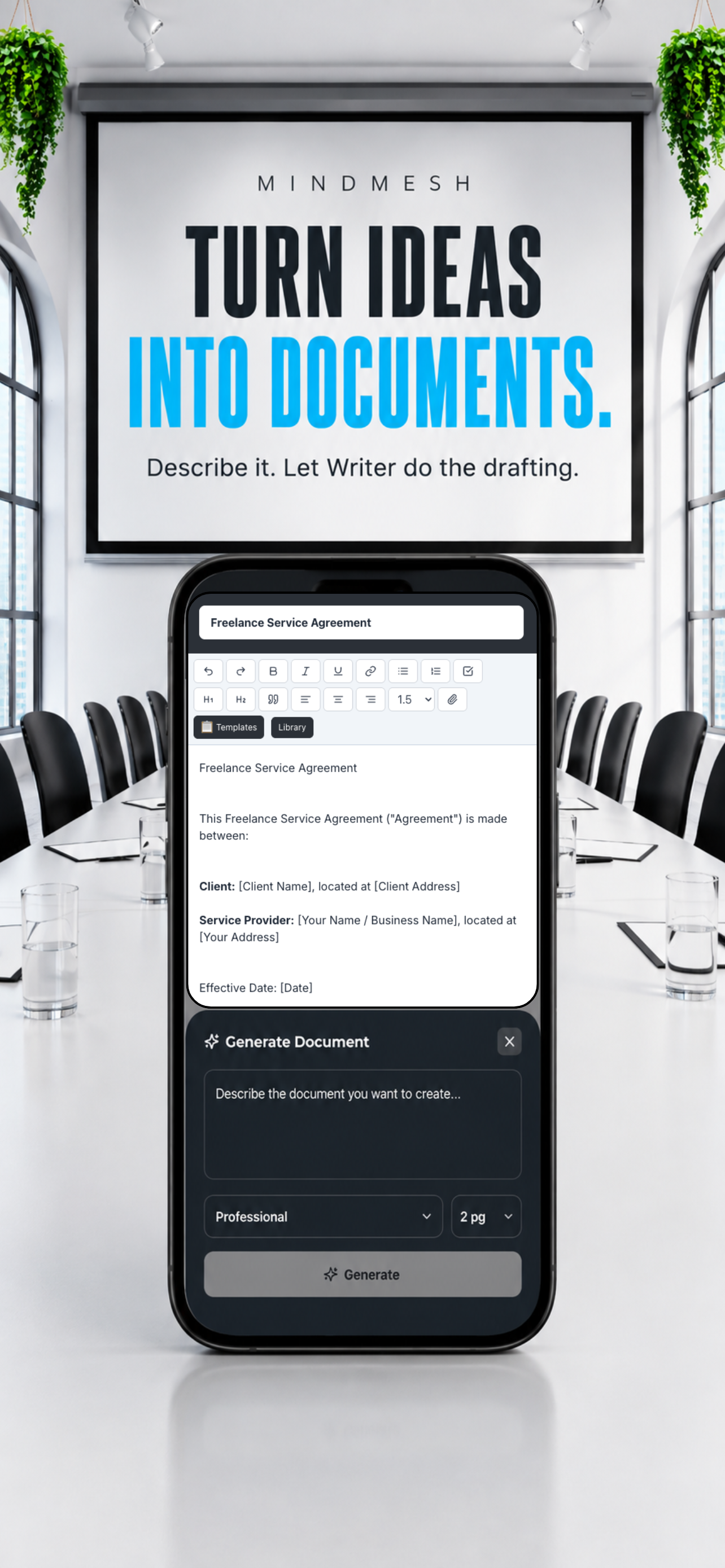
2. Give Nova a specific brief in Writer.
In Writer, ask Nova for a document and choose its length and style. Include the relevant notes in the brief so the draft has the facts you want it to use.
For example:
Draft a concise, professional proposal for a fictional five-page website project. The goal is to explain the client's services and make inquiries easier. Include a project overview, deliverables, exclusions, schedule, fee, and next steps.
Confirmed scope: five pages, a contact form, and two rounds of revisions. The client supplies final copy and photographs. Branding and ongoing maintenance are excluded.
The schedule, fee, and payment terms are not confirmed. Use clearly labeled placeholders for those details. Do not invent dates, prices, results, or client commitments.
A useful brief describes both what the document should include and what the AI should leave unresolved.
3. Refine the draft around the decision.
Read the first draft as if you were the client. Can you quickly understand what is being offered, what you need to do, and how to proceed?
Ask Nova for focused revisions such as:
- “Shorten the overview to one paragraph without removing the project goal.”
- “Separate included deliverables from exclusions.”
- “Make the next steps specific, using only the facts in my brief.”
- “Flag ambiguous language and missing information for me to review.”
Work on one issue at a time. Keep the language direct and remove claims you cannot support.
4. Review before you share.
You own the final proposal. Compare the draft with your original notes rather than relying on how confident or polished it sounds.
- Check names, scope, quantities, fees, dates, and payment terms.
- Resolve every placeholder before treating the proposal as final.
- Confirm that the revision allowance and exclusions are clear.
- Remove any promise or result you did not approve.
- Make sure the next step is something you intend to offer.
Keep the reviewed document in Writer, alongside the notes and planning that support the work.
Keep the context available for the next step.
A proposal is one stage of a project. Keep the background information, decisions, and follow-up list in your workspace so you can return to them as the work develops.
MindMesh connects related workspace content and resurfaces useful context. For any particular draft, still provide the details you need Nova to use and check its output against your source material.
Try the workflow in MindMesh.
MindMesh brings notes, documents, planning, and Nova AI into one workspace for Mac, iPhone, and iPad.
View MindMesh on the App Store ↗